
Think central.
Choose spots through the heart of your home, such as a hall or landing. Spread them out to reach the rooms around them.
Full House Wi-Fi · Powered by eero
Bring your home together with eero mesh. Extra eeros work with your included router to carry your Wi-Fi further, from room to room.
One eero router included with every broadband plan.
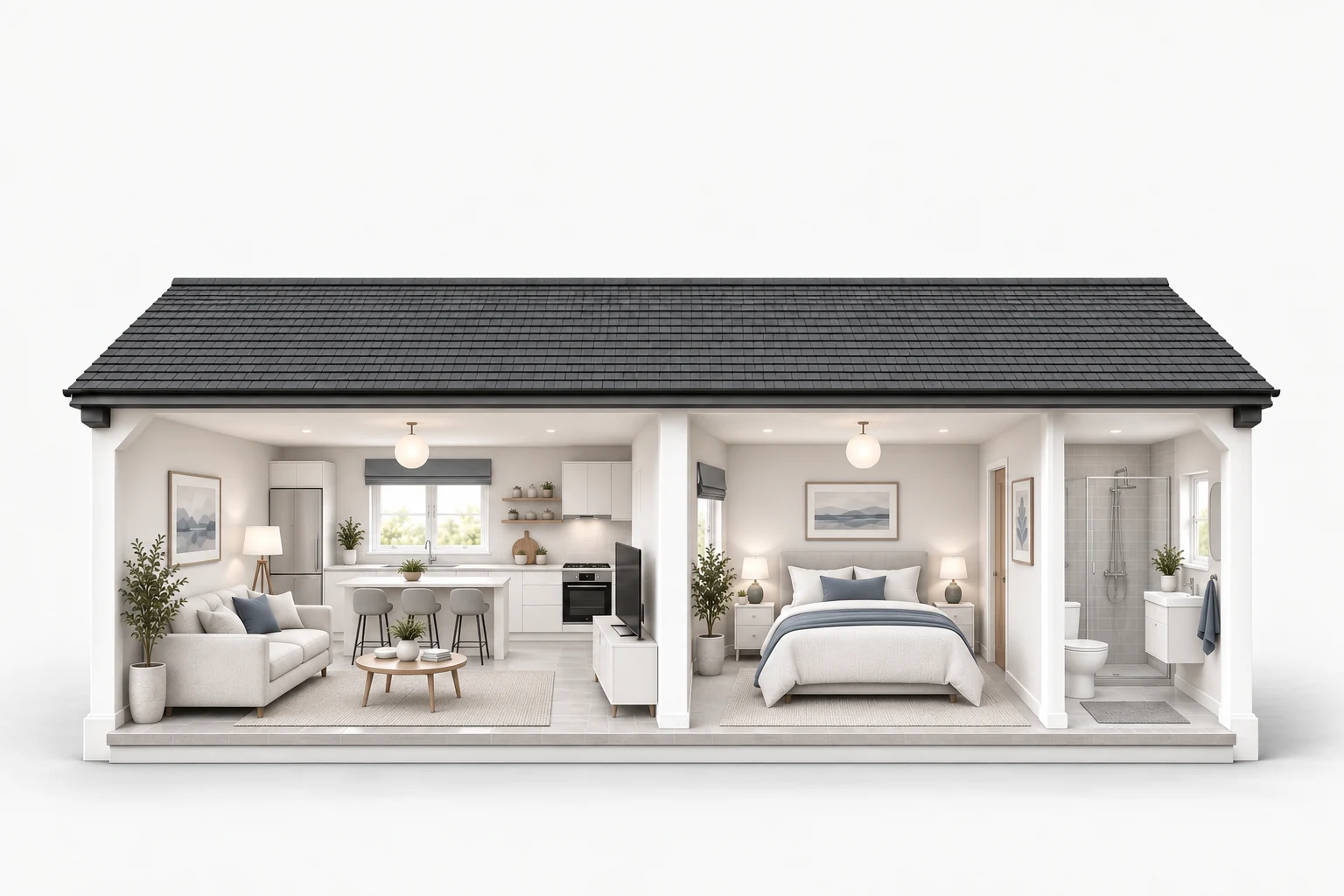
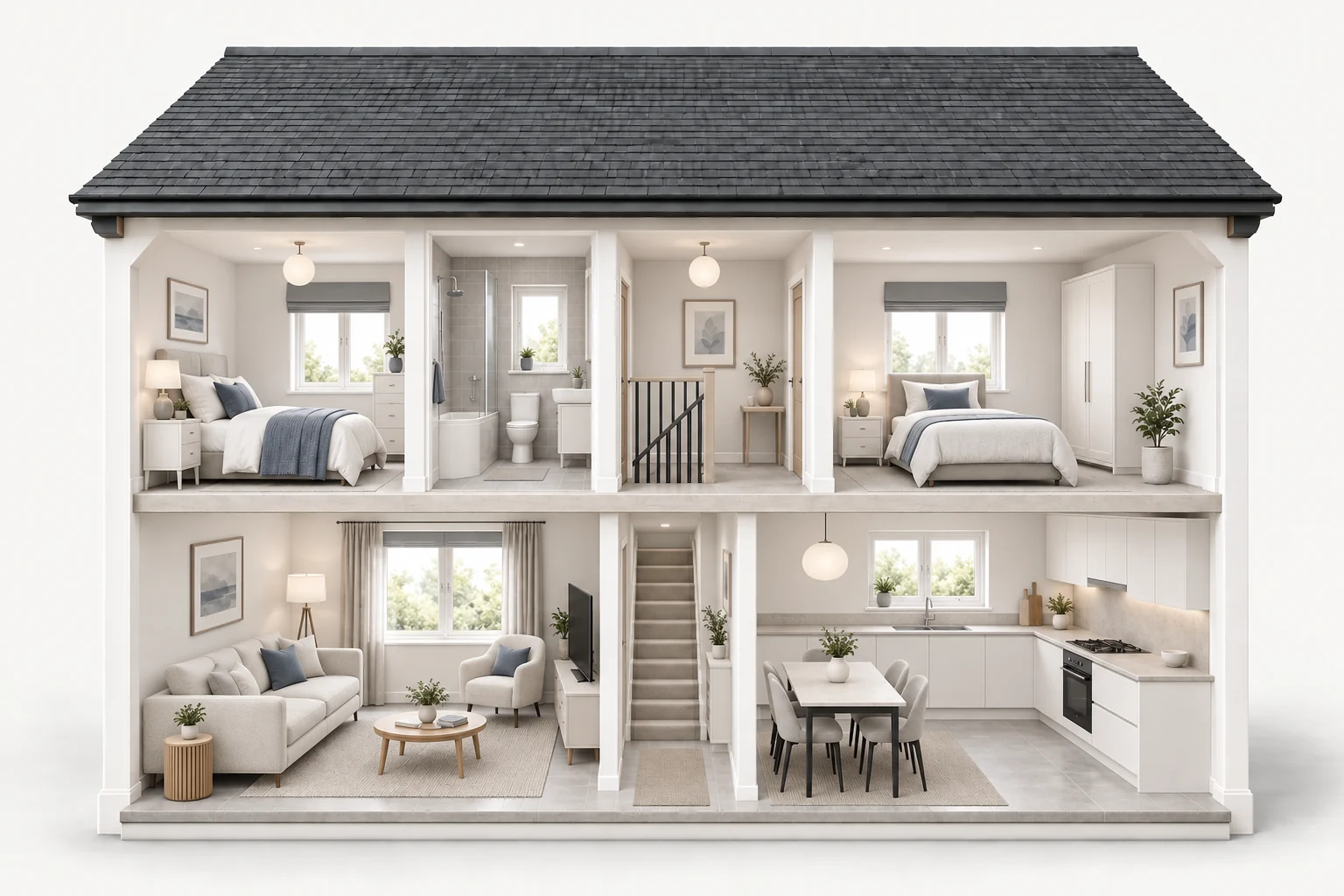
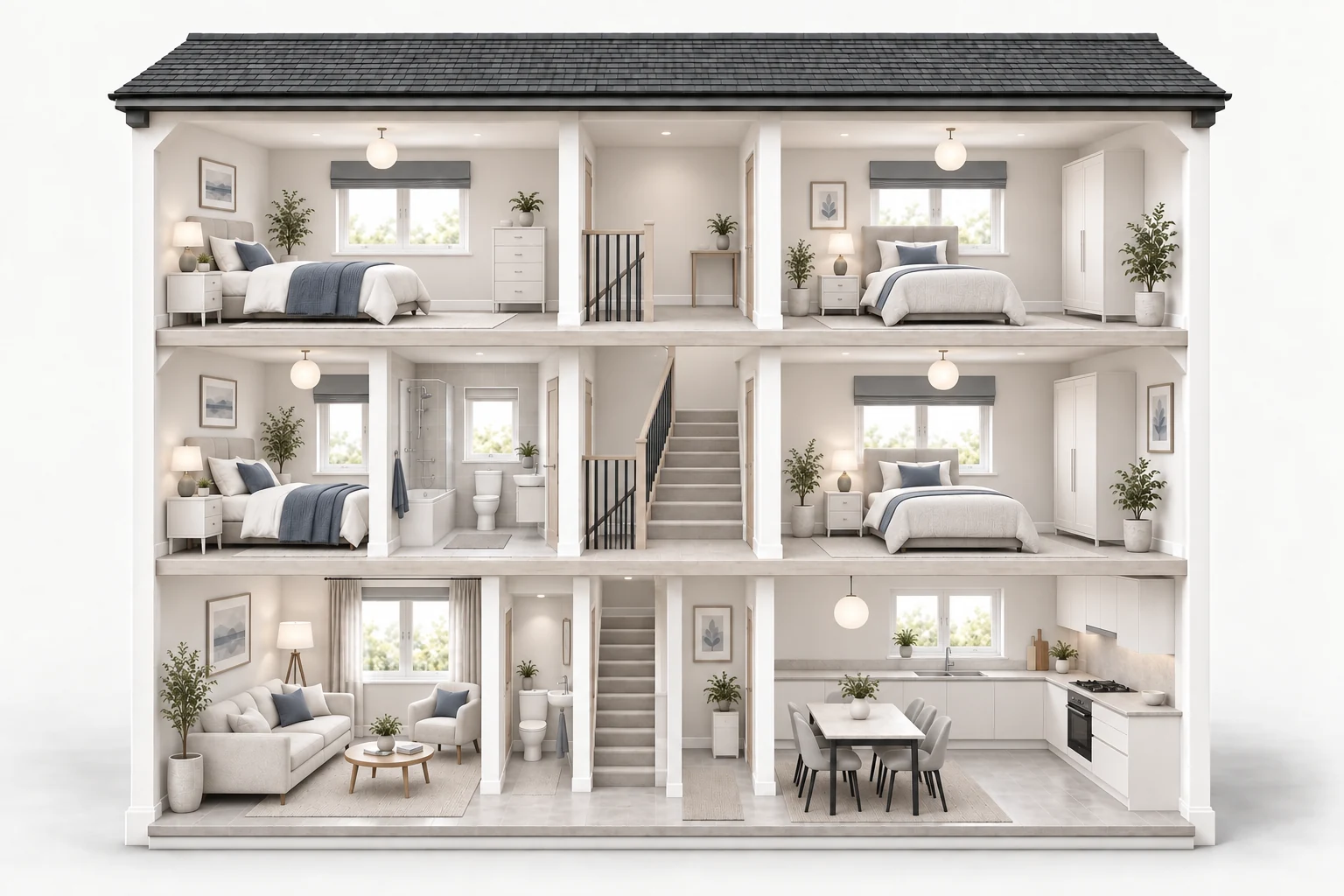
Your included eero provides Wi-Fi from one router. Coverage depends on your home’s layout, walls and router placement.
Full House adds extra eeros that link wirelessly to extend your included router’s coverage.
Illustration only, not a coverage prediction. Bedroom count suggests size; walls, layout and eero placement affect coverage. Extra eeros shown are an example, not a fixed package size.
Understanding your Wi-Fi
Your eero combines Wi-Fi 6 or Wi-Fi 7 with intelligent mesh routing and automatic updates. Radio waves weaken with distance, walls and interference, so your phone’s speed can vary from room to room.
Your broadband connection and the Wi-Fi link to your phone are different parts of the journey. A speed test on your phone depends on both, plus the phone’s capabilities and other network traffic. Even a premium router cannot guarantee your full plan speed in every room.
The eero app’s internet speed test measures the connection at your main eero, rather than the Wi-Fi speed at your device. How eero’s speed test works.
UK rules limit Wi-Fi radio power to help devices share the airwaves. The limits vary by band and channel and apply to every brand. Better antennas, radio design and software matter, but buying a more expensive router does not give it unlimited transmit power.
Wi-Fi also works both ways: your phone must send a signal back. Good coverage needs a reliable connection in both directions.
Partway towards the weak spot, where it still has a good connection to another eero. A doorway can offer a clearer path. Use an open shelf or table near a power socket, and check placement in the eero app. eero’s placement guide.
Your phone connects through the wall.
The extra eero links wirelessly through the doorway to reach your phone.
Lighter partitions usually let more signal through.
Dense walls can weaken the signal more.
Metal can reflect much of the signal.
Illustrative only. Wi-Fi bars show signal strength, not speed; results vary by home. Ofcom’s Wi-Fi guide.
Need a hand? We’ll help check your connection and eero placement.
Get help with Wi-FiA little thought. A lot more reach.
They work best when they have a good connection to each other.
Choose spots through the heart of your home, such as a hall or landing. Spread them out to reach the rooms around them.
Place the next eero between an existing one and the weak spot. Around 6–9 metres apart is eero’s starting guide; walls and floors affect what works.
A table or shelf is ideal. Keep eeros off the floor, out of cupboards and away from large appliances and electronics.
We’ll help you find the right spots. Already have Ethernet in your home? Compatible eeros can use it for a wired backhaul connection too. eero’s placement guide
The right fit for your home
Thick walls, another floor, a desk at the far end of the house. Sometimes your Wi-Fi needs a little help reaching the places you use it.
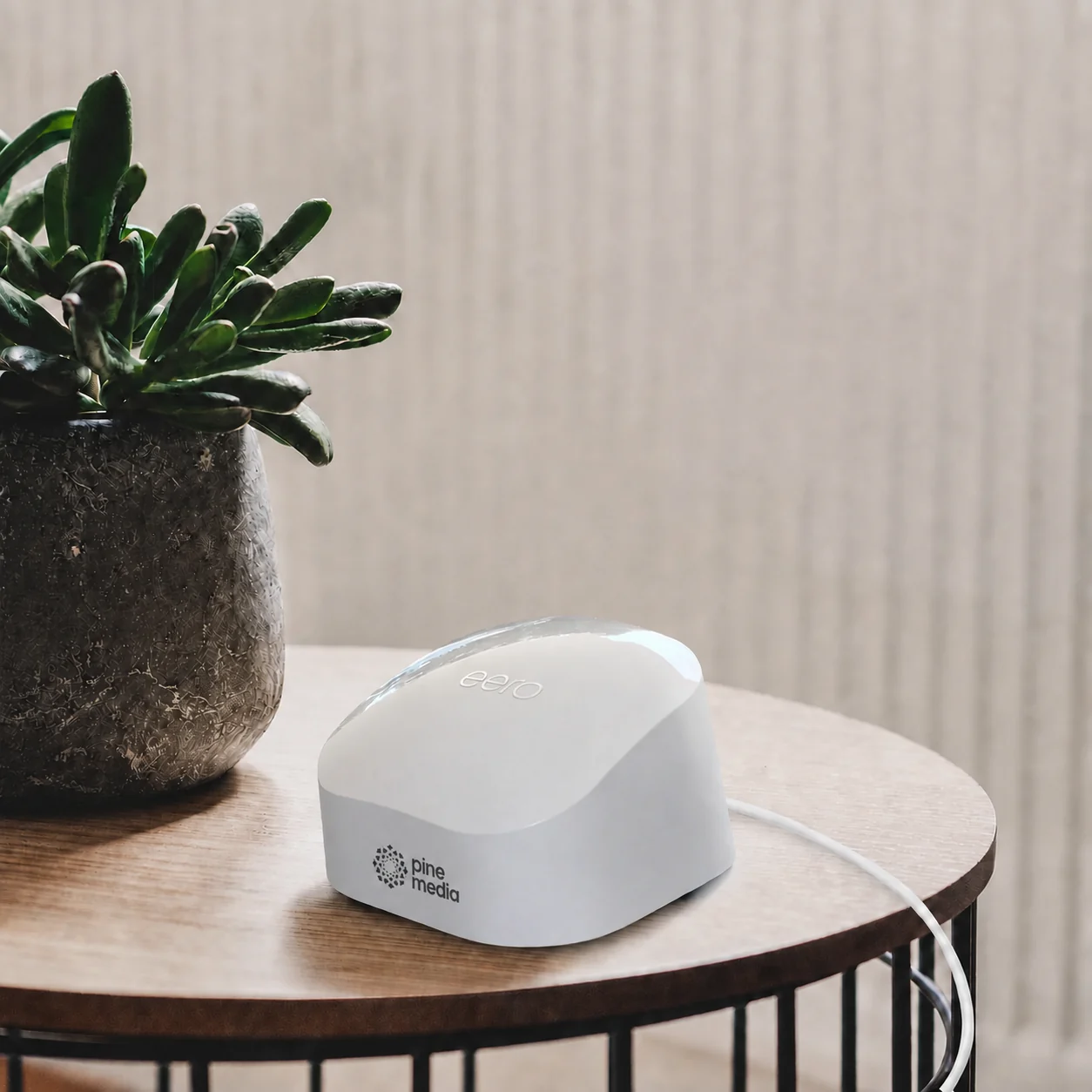 eero 7 shown · included with 2 Gbps+ plans
Included with your broadband
Every plan includes one mesh-capable router. A simple, powerful starting point for your home Wi-Fi.
The whole-home mesh upgrade
Optional add-onOur paid Full House Wi-Fi add-on supplies additional eeros that mesh with your main router, extending coverage around your home.
Already with Pine? Add Full House in the Pine Media app or My Pine Media .
If coverage falls short, we’ll help with setup and extra eeros where needed. If we still can’t achieve 10 Mbps in eligible rooms after remediation, choose a £100 account credit or cancellation of the add-on from your next billing cycle without charge.
For homes with up to 6 bedrooms. Excludes basements, below-street-level rooms, outbuildings and garden rooms. Available once per address. See eligible rooms and our coverage guarantee.
Clever Wi-Fi. Less thinking about it.
eero’s TrueMesh technology finds a good path for your data between eeros, adapting as network conditions change.
Use the app to see connected devices, pause Wi-Fi for a profile and share a guest network with visitors.
Automatic software updates bring security patches and improvements to your eero network.
No. Extra eeros can connect to each other wirelessly; each one needs a power socket. Your main eero connects to the fibre box by Ethernet. If you already have Ethernet cabling, compatible eeros can use wired backhaul for a faster, more reliable link.
Mesh Wi-Fi uses several connected devices to spread coverage around your home. Your extra eeros and main router work together as one network, with one Wi-Fi name and password.
Your broadband includes one eero router: eero 6+ as standard, or eero 7 on 2 Gbps plans and above. Full House is an optional £12/month add-on for additional eeros, configuration support and our coverage promise.
It depends on your home’s layout, size and wall construction. We’ll help you find suitable positions and supply extra units where needed under the coverage promise. The eeros in our illustrations are examples, not a fixed package size.
Mesh extends Wi-Fi coverage. It does not increase the speed of your broadband plan. The speeds you see over Wi-Fi depend on your devices, your home’s layout and where your eeros are placed.
No. The promise applies to eligible rooms in homes with up to 6 bedrooms. It excludes outbuildings, garden rooms, basements, cellars and rooms below street level. See the coverage guarantee for the full conditions.
Make yourself at home
Add Full House Wi-Fi for £12/month extra with your Pine broadband.