
eero WiFi: getting the most from your mesh network
Every Pine Media plan includes an eero router at no extra cost. Here are our top tips for getting the best WiFi coverage throughout your home.
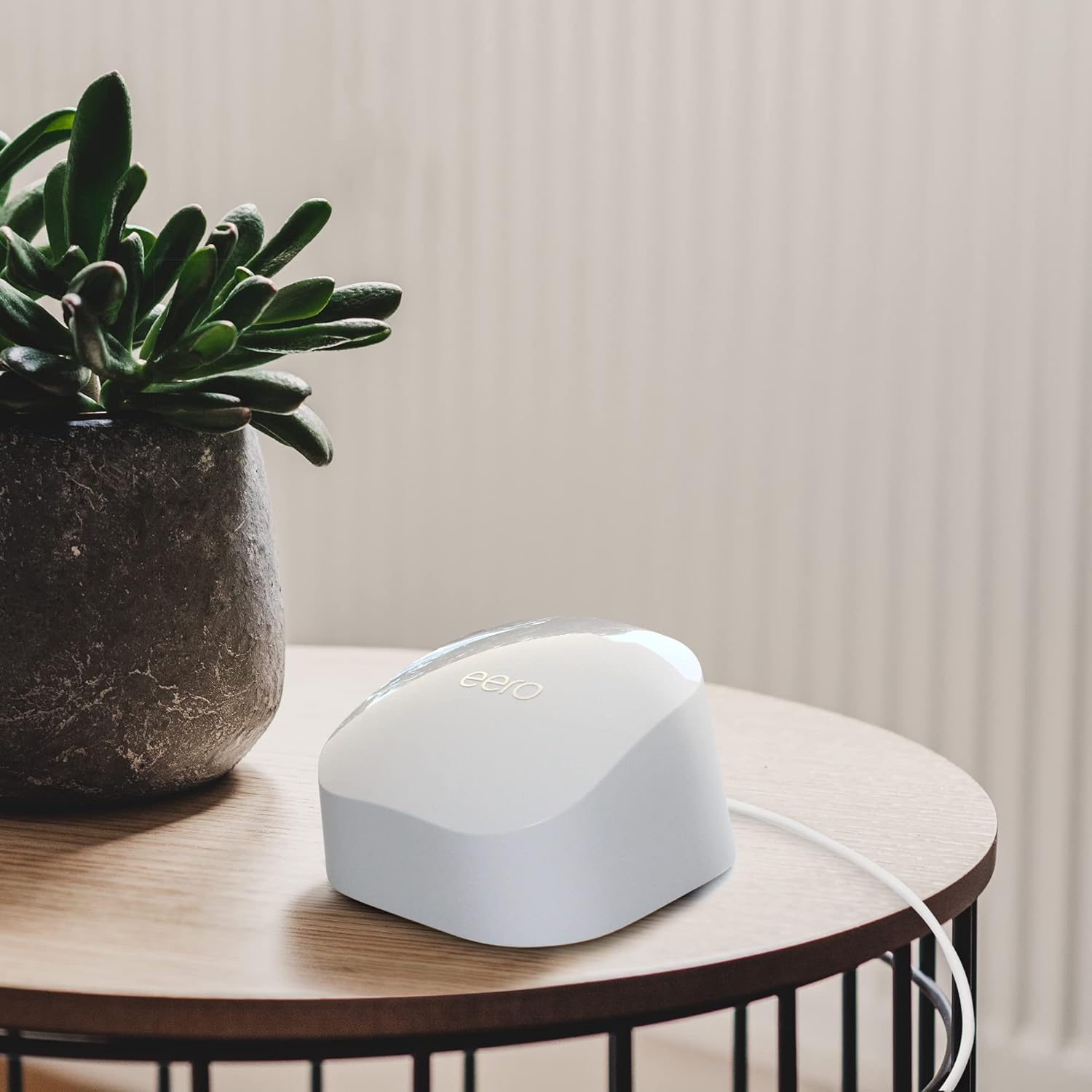
Your Pine Media broadband comes with an eero 6+ router included at no extra cost. It's one of the best home routers available - and getting the best from it is easier than you might think.
Placement matters
- Place your eero in an open, central location - not hidden in a cupboard.
- Keep it elevated (on a shelf or table) and away from other electronics.
- Avoid placing it near microwaves, baby monitors or thick walls.
Need whole-home coverage?
For larger homes, our Full House add-on (£12/mo) includes additional eero units to create a mesh network. The eeros work together to blanket your entire home in fast, reliable WiFi - with a coverage guarantee or £100 back.
Manage from your phone
The eero app lets you see connected devices, set up parental controls, run speed tests and manage your network - all from your phone.
More from the blog

Pine Media reaches 36,700 premises in largest ever BDUK milestone
Our latest Open Market Review submission confirms our largest jump recorded to BDUK in coverage - 36,700 premises now served by our full fibre network as we rapidly accelerate our rollout across Sheffield.
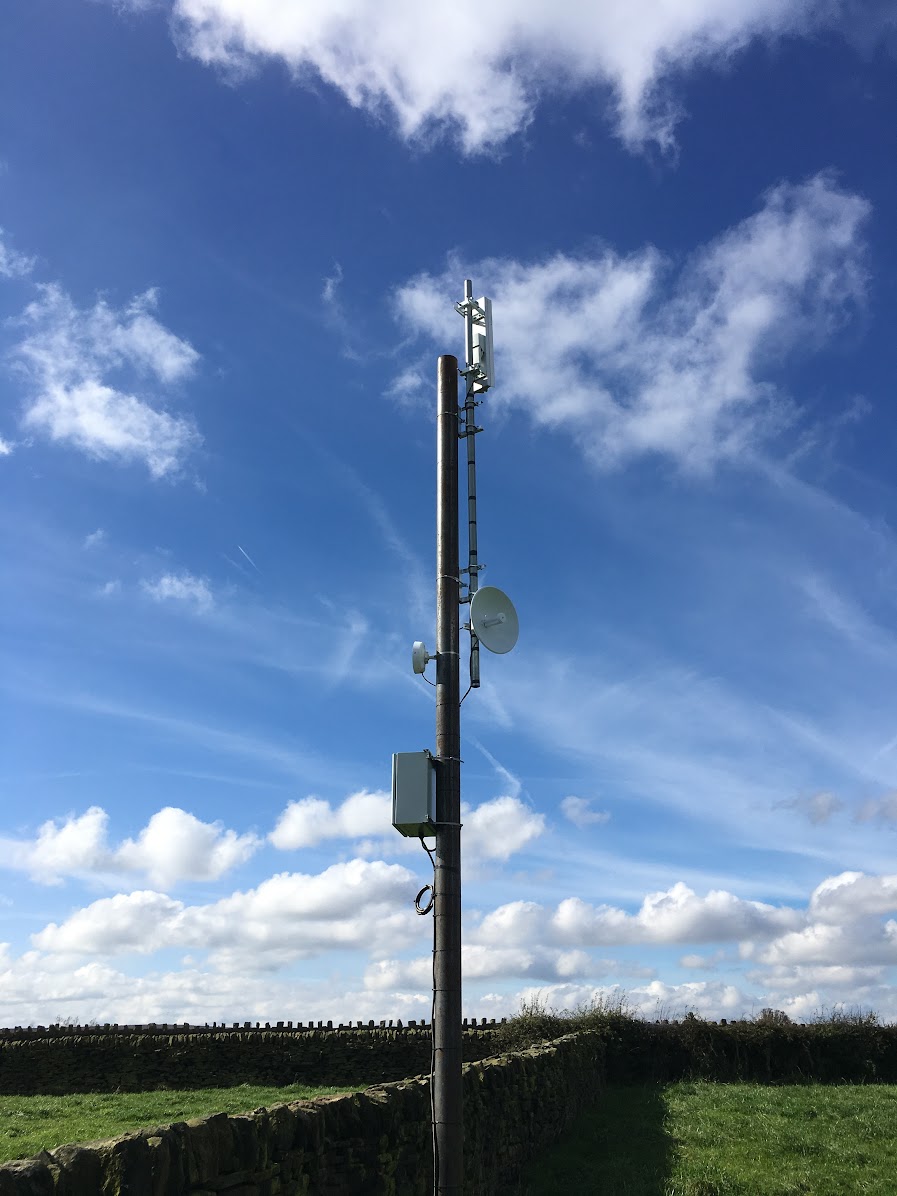
Retiring Pine Media AIR: thank you to the communities that made it worthwhile
After over a decade of service, we're winding down our AIR fixed wireless network. Over 90% of AIR customers have already been migrated to full fibre - here's what it means for the remaining few.

We're now fully electric across our entire fleet 🚐⚡️
Pine Media has gone fully electric across our entire vehicle fleet - helping us reduce our environmental footprint while we continue rolling out full fibre broadband across Sheffield.
Ready to upgrade your broadband?
Check if Pine Media full fibre is available at your address.
Check availability